
How to Sign-up for MyCHRISTUS
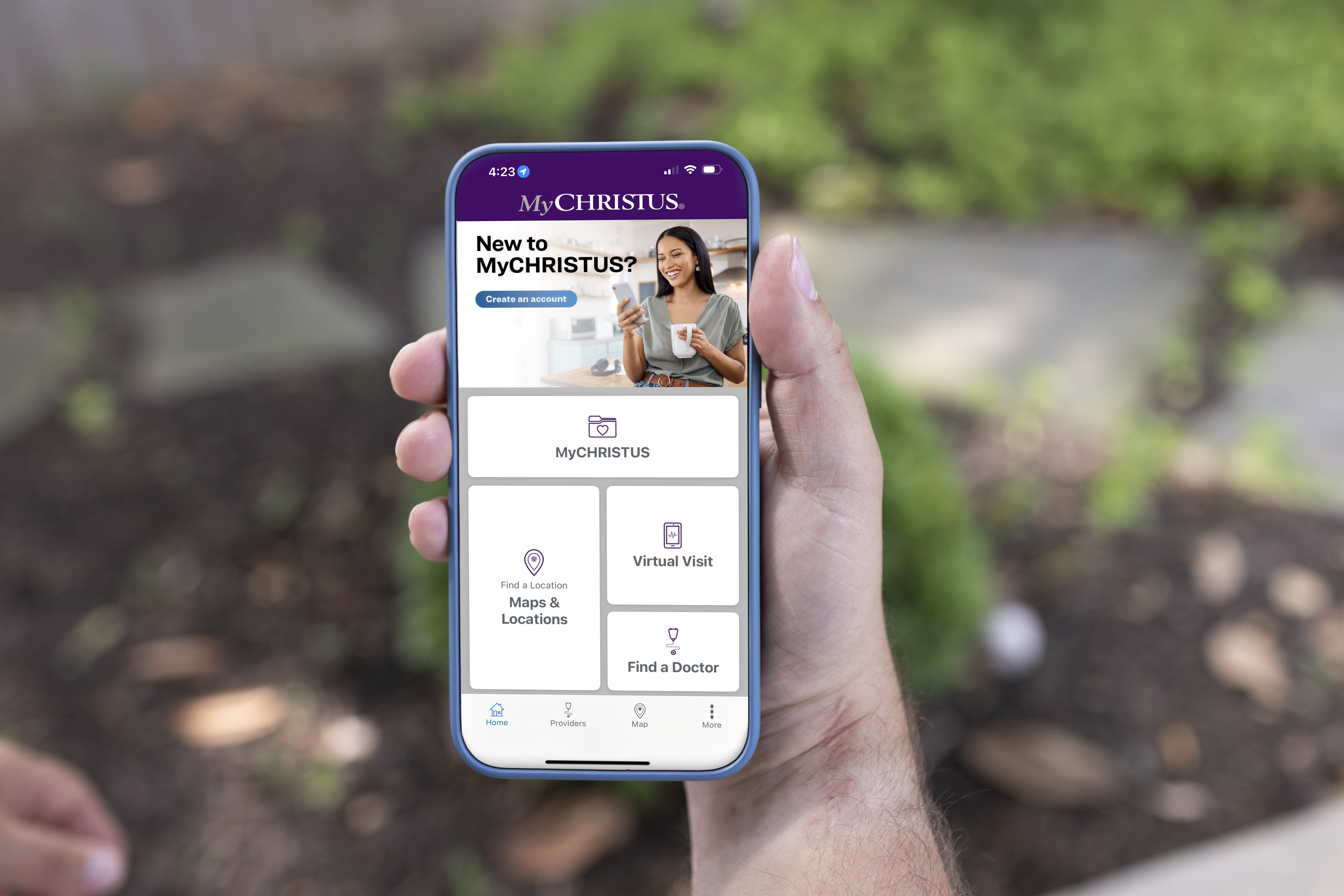
Getting started with MyCHRISTUS is quick and easy! Follow the steps below:
Download the app
The MyCHRISTUS app is available in Google Play and App Store and its free.
Signing-in on the app
1. Inside the app, click the MyCHRISTUS button
2. A browser will appear taking you to the MyCHRISTUS sign in page.
3. If you're a new user, click the "Sign up now" button.
4. Or if you have an existing MyChart account, simply sign-in with your MyChart username and password. No need to set-up a new account. (See below for more information)
5. Once you've signed-in, you'll have access to communicate with your doctor, access your test results, request prescription refills, and manage your appointments.
Explore more MyCHRISTUS features
Maps & Locations: This feature will allow you to see CHRISTUS Health locations near you.
On Demand Care: Get virtual care for minor illnesses or general health concerns - no appointment needed. Only available in Texas, Louisiana or New Mexico.
Find a doctor: Find a provider near you and view their availability.
Already Have a MyChart Account? Your Credentials Stay the Same!
If you previously used MyChart, transitioning to MyCHRISTUS is seamless. All your patient information—including medical records, appointment history, and provider notes—will automatically transfer to MyCHRISTUS. Your username and password will remain the same, so there’s no need to set up a new account.

Why MyCHRISTUS?
With MyCHRISTUS, you gain enhanced features, improved accessibility, and a more intuitive user experience tailored to meet your health care needs. Whether you're tracking lab results, messaging with your doctor, or managing your medications, MyCHRISTUS ensures you have everything you need in one convenient place.
On Demand Care
On Demand Care
Get back to your busy life faster. See a virtual urgent care provider through a simple video visit. Available 365 days a year for people in Texas, Louisiana and New Mexico, five years old and up. Insurance accepted or a $30 self-pay fee.
